
Your home printer jams, runs out of ink every two weeks, and slows to a crawl on a 40-page report. Sound familiar? Heavy duty Xerox home printers are built for exactly this problem. They are business-grade laser printers sized for a home office, and they make sense for anyone printing more than about 1,000 pages a month.
At Clear Choice Technical Services, we service and repair office printers and copiers every day. Below, we explain which Xerox models fit high-volume home printing, what they cost to run, and when another option is the smarter choice.
TL;DR: Heavy-duty Xerox home printers make sense if you print 1,500 or more pages per month and need a machine that won’t quit on you mid-project. Heavy-duty Xerox printers balance commercial-grade reliability with home-friendly features, offering duty cycles up to 110,000 pages and cost-per-page rates that undercut consumer inkjets by half or more. If you print fewer than 200 pages a month, you’re better served by a smaller multifunction printer or consumer device.
Key Takeaways
- A “heavy duty” home printer means a duty cycle of 50,000–150,000+ pages per month, high-yield toner options, and build quality that lasts years – not months.
- Remote workers, home-based legal or financial professionals, and small business owners printing 1,000+ pages monthly benefit most from a Xerox laser printer.
- The Xerox B310/B315 line handles up to 80,000-page duty cycles in a compact desktop footprint, while the VersaLink B405 and C405 push into enterprise territory.
- High volume laser printers offer lower cost-per-page than basic printers – roughly 2.3¢ per black page versus 5–8¢ on a typical inkjet.
- Clear Choice Technical Services can help you right-size a printer or all in one printer to your actual volume, whether you want to buy, lease, or rent.
Tired of Burning Through Cheap Home Printers?
You buy a $150 inkjet. It works fine for six months. Then the ink dries out over a long weekend, the print heads clog, and you’re at the store again. Sound familiar?
Heavy duty Xerox home printers exist to end that cycle. These are laser machines built for high volume – the same engines that run in law firms and accounting offices, scaled into a footprint that fits on a desk in your spare room. High volume printers are designed for busy workplace needs, and today’s remote workspaces demand the same reliability.
Can you actually run one at home? Yes – if your printing needs exceed roughly 1,000–1,500 pages a month. If you handle critical contracts, financial documents, or marketing collateral, a high volume Xerox laser printer for home office use pays for itself in reliability alone. If you print a handful of school permission slips, it’s overkill.
At Clear Choice Technical Services, we help home offices and small business owners pick the right model, set up leasing, and keep machines running with managed print services and printer repair across our nationwide service locations.
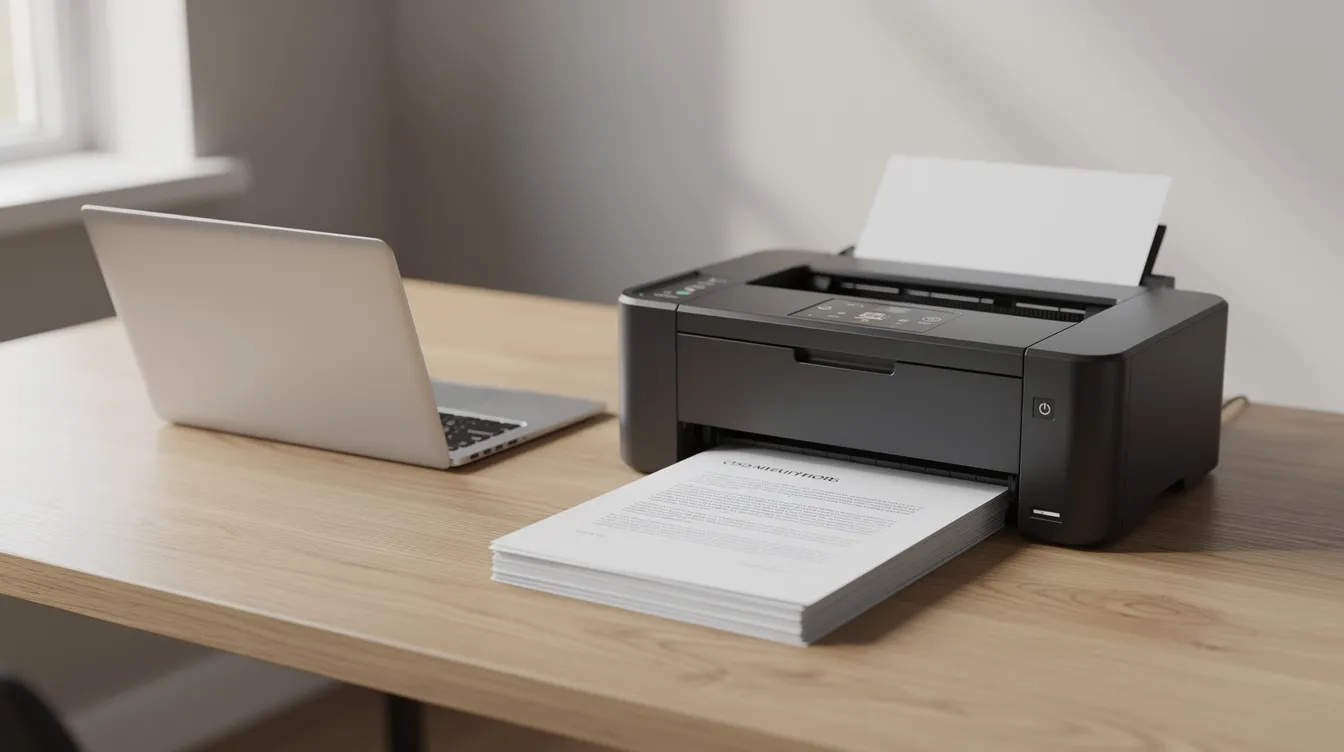
What Does “Heavy Duty” and High Volume Actually Mean for a Home Office Printer?
A heavy duty printer is a device with a high monthly duty cycle, robust internal build, and low cost-per-page designed to handle sustained high volume printing without premature wear. It is not just a faster version of your desktop inkjet – it is a fundamentally different machine.
Duty cycle vs. recommended monthly volume (RMPV): Duty cycle is the maximum pages a printer can produce in a month without failing. RMPV is what the manufacturer recommends for long-term use. Look for robust duty cycles ranging from 50,000 to over 150,000 pages per month, with RMPV guidance matching your actual output. High volume printers can produce up to 100K pages per month, but you want your average monthly use to sit well within the RMPV – models must have a monthly duty cycle comfortably above the intended workload.
Build quality: Heavy-duty printers use metal-reinforced frames, enterprise-grade fusers, and heavy-duty rollers. Consumer devices rely on plastic chassis and small components that degrade under load.
Toner and supplies: High-volume printers require robust duty cycles and high-yield toner options. Cartridges rated for 10,000–25,000+ pages drop your black and white cost per page dramatically. High-yield toner support helps lower cost-per-page for printers compared to standard-yield cartridges.
Paper handling: Paper capacity should accommodate at least 250 to 550 sheets for heavy printing, and high-capacity paper trays reduce the frequency of paper reloads. Heavy-duty printers should have automatic duplexing and large paper capacities – automatic duplex printing, or automatic two sided printing, reduces paper consumption in heavy printing tasks. Heavy-duty printers are designed for high workloads with high-speed capabilities, and the paper path needs to keep up.
Is a Heavy Duty Xerox Laser Printer Right for Your Home Office?
A Xerox heavy duty laser printer is justified when your monthly volume exceeds 1,000–1,500 pages, reliability is non-negotiable, and you need an all-in-one printer that can replace separate print, scan, copy, and fax devices in a home office. Below that threshold, a simpler device usually makes more sense.
Who benefits most:
- Home-based legal or financial professionals printing contracts, filings, and disclosures
- Consultants and small business owners preparing proposals and marketing materials
- Remote workers who need a reliable multifunction printer that can print copy scan without hiccups
- Families running micro businesses from a home office or small office
Red flags that you don’t need one:
- You print fewer than 200 pages a month
- Your printing is mostly photos or glossy images (a consumer inkjet or ink tank handles color printing for photos better)
- You have limited space, a shared room, or a single circuit that can’t handle the power draw
Clear Choice can evaluate your print logs, current device, and budget to recommend a right-sized Xerox laser printer or multifunction printer solution.
Pros and Cons of Running a Xerox Workhorse Printer at Home
Heavy duty Xerox home printers trade a higher upfront price and larger footprint for outstanding long-term reliability and dramatically lower cost per page. Here’s the honest breakdown.
Pros:
- Reliability: No dried ink, no clogged heads. Laser toner doesn’t dry out if you skip a week of printing. Reliable printers can streamline document workflows with compatible systems, keeping your home office productive.
- Speed: Print speeds of 35 to 55 pages per minute are ideal for busy environments. Some high volume printers can print at speeds up to 70 ppm in enterprise configurations. High volume printers can handle large quantities of prints efficiently without jamming.
- Low running costs: Monochrome laser cost per page averages roughly 2.3¢, compared to 5–8¢ per black page on brand-name inkjet cartridges. Over 36 months at 2,000 pages per month, that gap adds up to thousands of dollars.
- Security: Networking and security features are crucial for printers handling sensitive information. Xerox models offer comprehensive security including PIN release printing and built-in encryption.
Cons:
- Price: Hardware starts at 300–800+, compared to 100–150 for a consumer inkjet.
- Size and weight: These machines are heavier (20+ lbs) and taller. You’ll want a dedicated workspace – a spare bedroom desk or printing stand.
- Noise: Operating sound levels run around 53 dBA during printing, noticeable in shared living space.
- Power draw: Stronger fuser elements and motors mean higher peak energy draw at warm-up.
Professional repair services, backed by resources like a detailed laser printer service manual, can reduce downtime for businesses, and pairing a Xerox unit with a service contract keeps surprises to a minimum.
Key Xerox Models That Work as Heavy Duty Home Office Workhorses
Several Xerox B Series and VersaLink models blend commercial durability with compact, home-friendly footprints. Xerox ConnectKey technology integrates with cloud services for efficient workflows across the lineup, and Xerox home printers support mobile printing technologies like Apple AirPrint and Apple AirPrint Mopria for easy connection from mobile devices.
Xerox B230 – Entry-Level Compact Mono Laser: The Xerox B230 prints up to 36 pages per minute and has a compact footprint of 14 x 13.1 x 8.5 inches, making it easy to connect and place in tight remote workspaces. It’s a solid choice for users who need affordable, reliable black and white printing without multifunction capabilities.
Xerox B225 – Budget Mono Multifunction: The Xerox B225 includes printing, scanning, and copying functions in one compact device. It’s ideal for small home offices that need to print copy scan without stepping up to a full enterprise machine.
Xerox B310/B315 – Compact Heavy-Duty Mono: The B310 delivers 42 pages per minute with a duty cycle up to 80,000 pages per month and a recommended monthly volume of up to 6,000 pages. At roughly 20.6 lbs and 14.5 inches wide, it fits on a standard desk. The B315 adds scan fax email cloud capabilities as a full laser all in one, making it suited for document-heavy home offices needing copy print scan fax from one printer.
VersaLink B405 – High-Volume Mono Enterprise Tank: Duty cycle up to 110,000 pages with RMPV around 15,000 pages per month. At 47 ppm, it’s built for home-based legal practices or financial operations. Extra-high-yield toner cartridges reach approximately 24,600 pages, pushing cost per page well below 2¢.
VersaLink C405 – Color Multifunction Workhorse: Prints 36 ppm in both color and black and white, with a duty cycle up to 85,000 pages. A color printer and multifunction option for consultants or executives who need publication-grade color output. For a related review, see our writeup on the Xerox VersaLink C415.
Xerox C235: The Xerox C235 offers color printing and multifunction capabilities in a more budget-friendly package, giving home users who enjoy features like Wi-Fi Direct and built-in Wi-Fi an accessible entry point to color laser.
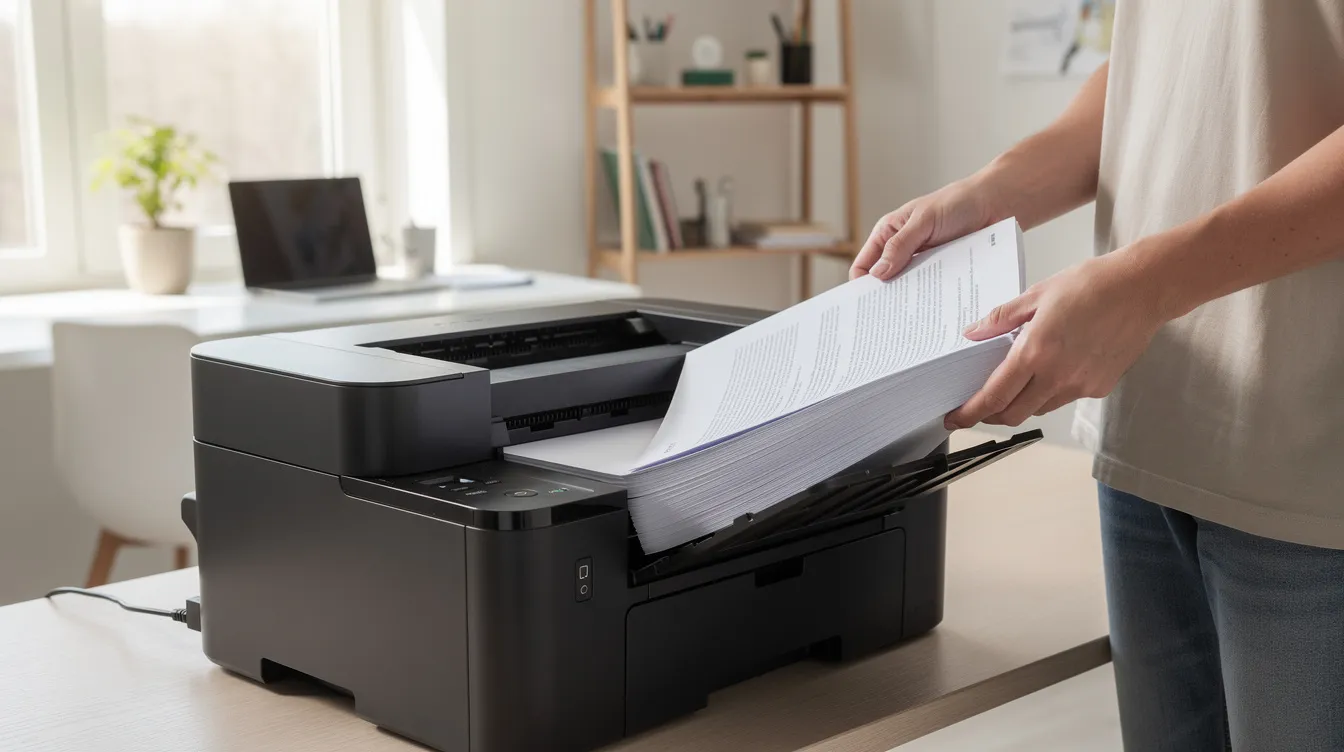
Comparison Table: Which Xerox Heavy-Duty Printer Fits Your Home Setup?
This table compares key models commonly used as heavy duty Xerox home printers. Short phrases keep it scannable on desktop and mobile.
| Model | Type | Speed (PPM) | Rec. Monthly Volume | Best Home Office Use Case |
| Xerox B230 | Mono Print-Only | 36 ppm | Moderate | Budget single-user text printing |
| Xerox B225 | Mono MFP | 36 ppm | Moderate | Print, scan, copy for light MFP needs |
| Xerox B310 | Mono Print-Only | 42 ppm | Up to 6,000 pages | High-volume single-user text printing |
| Xerox B315 | Mono MFP (Scan/Copy/Fax) | 42 ppm | Up to 6,000 pages | Heavy document scanning and archiving |
| VersaLink B405 | Enterprise Mono MFP | 47 ppm | Up to 12,000–15,000 pages | Legal, finance, high-volume business ops |
| VersaLink C405 | Enterprise Color MFP | 36 ppm | Up to 8,500 pages | Color marketing, reports, executive desk |
| Xerox C235 | Color MFP | Moderate | Light–Moderate | Budget color multifunction for home |
This helps readers compare compact models suited for a small office against larger enterprise-style multifunction printers for mid size workgroups or 5 to 20 users sharing information across a household or small business.
How to Calculate 3-Year Total Cost of Ownership vs a Cheap Home Printer
Total cost of ownership (TCO) is your hardware price plus consumables, maintenance, and downtime costs over a set period, and researching models with in-depth laser printer reviews and warnings helps you avoid costly mistakes. It’s the number that actually matters – not the sticker price on the box.
Here’s a simple process. First, estimate your average monthly use in pages. Second, multiply by 36 months to get your three-year volume. Third, apply cost per page for each device you’re comparing. Fourth, add hardware price and any service or maintenance costs. Fifth, compare the totals.
Quick example: At 2,000 pages per month over 36 months (72,000 pages), a consumer inkjet at 6¢ per page costs $4,320 in ink alone – plus $300+ in replacement printers. A Xerox B315 at roughly 2.3¢ per page costs about $1,656 in toner, plus 300–400 in hardware. The laser saves over $2,000 in three years. (Pricing varies by supplier; verify current rates.)
High volume laser printers offer lower cost-per-page than basic printers in almost every scenario above 500 pages per month. For a deeper dive, check our guide on calculating cost per page of your copier/printer. Managed Print Services reduce printing costs by 30% on average, adding another layer of savings for serious users, especially when paired with devices supported by a comprehensive service and parts manual for office copiers.
Buying Checklist: What to Look for in a Heavy Duty Xerox Home Printer with Wireless Connectivity
Before you shop, prioritize these factors: duty cycle, recommended monthly volume, cost per page, footprint, noise, security features, and wireless connectivity.
- Engine type: Decide between black and white or a color printer based on your work. A comparison of color vs. black and white copiers can help you decide.
- Paper size and capacity: Confirm support for Letter, Legal, and your most common paper size. Input trays holding 250–550 sheets with optional Wi-Fi and optional trays reduce daily interruptions.
- Speed: Match pages per minute to your workflow. 42–55 pages per minute covers most home office loads.
- Connectivity: Look for Ethernet, built-in Wi-Fi (including Wi-Fi Direct and Fi and Wi options), and mobile ready features like Apple AirPrint Mopria. These make it easy to connect from any computer or mobile device in the room.
- Security: Functions like PIN release and encryption protect sensitive documents for remote workers.
- Service and support: Consider maintenance contracts and managed print services from a provider like Clear Choice that includes remote IT support for troubleshooting and access to printer and copier service manuals when deeper diagnostics are needed.
Lease, Buy, or Short-Term Rental: How to Get a Heavy Duty Xerox Printer at Home
High-volume home users can buy a Xerox printer outright or work with an office equipment leasing provider. Both paths have trade-offs worth understanding, especially when you compare copier rental vs. copier leasing options.
Printer leasing eliminates upfront investment costs for businesses, and leasing terms can be flexible to meet business needs. Leasing often includes maintenance and support services, which is why many businesses prefer all-inclusive maintenance contracts for printers. Businesses can access high-quality printers through rental agreements without tying up capital.
Short-term rentals are available for temporary projects – a seasonal home business or a three-month contract that requires 20,000 pages of output, for example. Small to medium-sized enterprises often require flexible leasing or rental terms to match unpredictable workloads.
Remote IT support services are essential for businesses lacking internal IT staff, and printer repair services help maintain office equipment reliability over time. Printer repair services often include remote IT support options, so you’re covered whether the issue is a paper jam, a configuration issue, or something that requires reference to an HP Color LaserJet enterprise service manual. Companies can save up to 15% on operational costs with Managed Print Services, and Managed Print Services improve document workflow efficiency by 20–30%, especially when backed by resources like an HP DesignJet service and parts manual. In fact, 80% of businesses report improved print security with Managed Print Services, and having access to a detailed HP LaserJet Enterprise troubleshooting and repair manual further reduces risk and downtime.
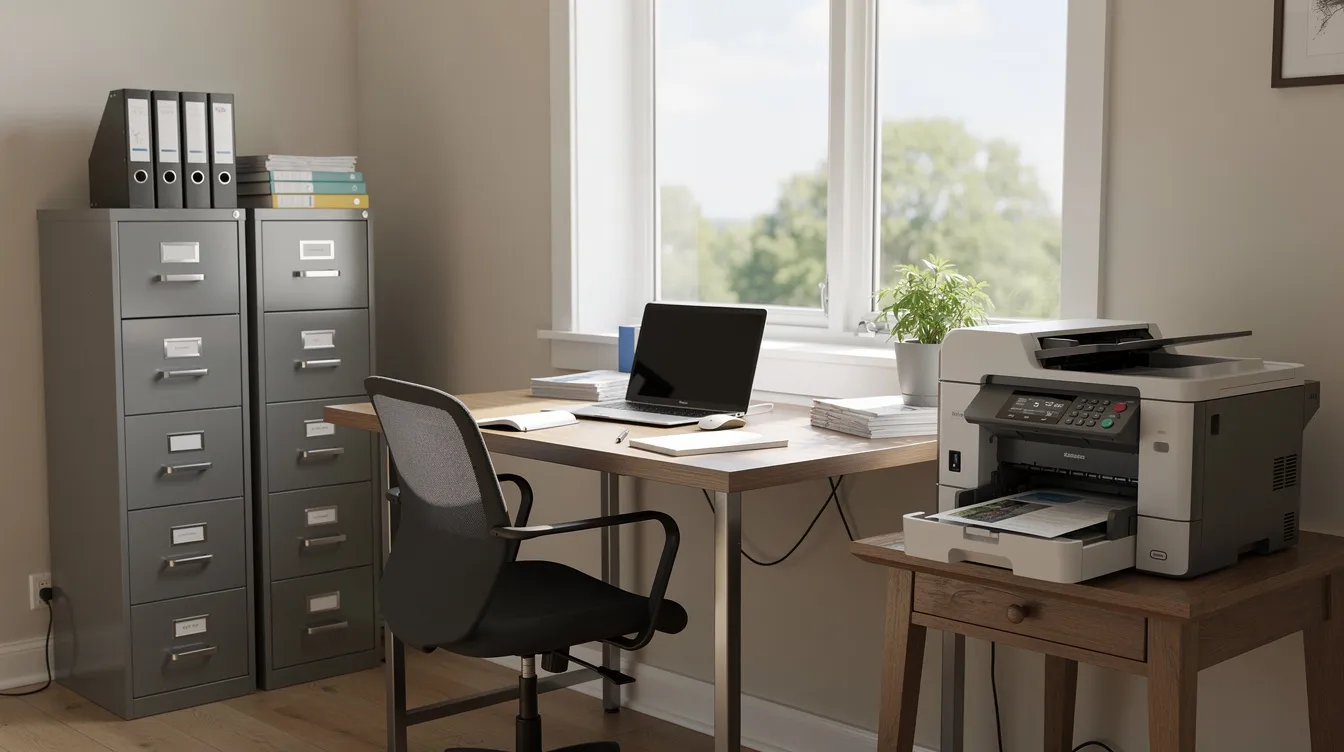
Final Verdict on Heavy Duty Xerox Printers for Home
Heavy duty Xerox home printers are worth it when you print more than about 1,000 pages a month. The Xerox B315 covers most busy home offices, the VersaLink B415 handles very heavy black-and-white volume, and the VersaLink C415 adds high-volume color. Size your choice by recommended monthly volume, compare toner costs, and buy rather than lease unless you need a large copier.
Try a Heavy-Duty Xerox Printer Before You Commit
Whether you need a high-volume Xerox printer for a one-day project or a full year in your home office, Clear Choice Technical Services makes it easy. We offer simple, flexible payments with no long-term lock-in, plus fast, reliable service if anything goes wrong. Not sure the B315 or VersaLink B415 fits your workload? Ask for a free demo trial and watch it handle your real print jobs before you decide.
Call us now at (614) 210-0800 to book your free demo.


